Loading...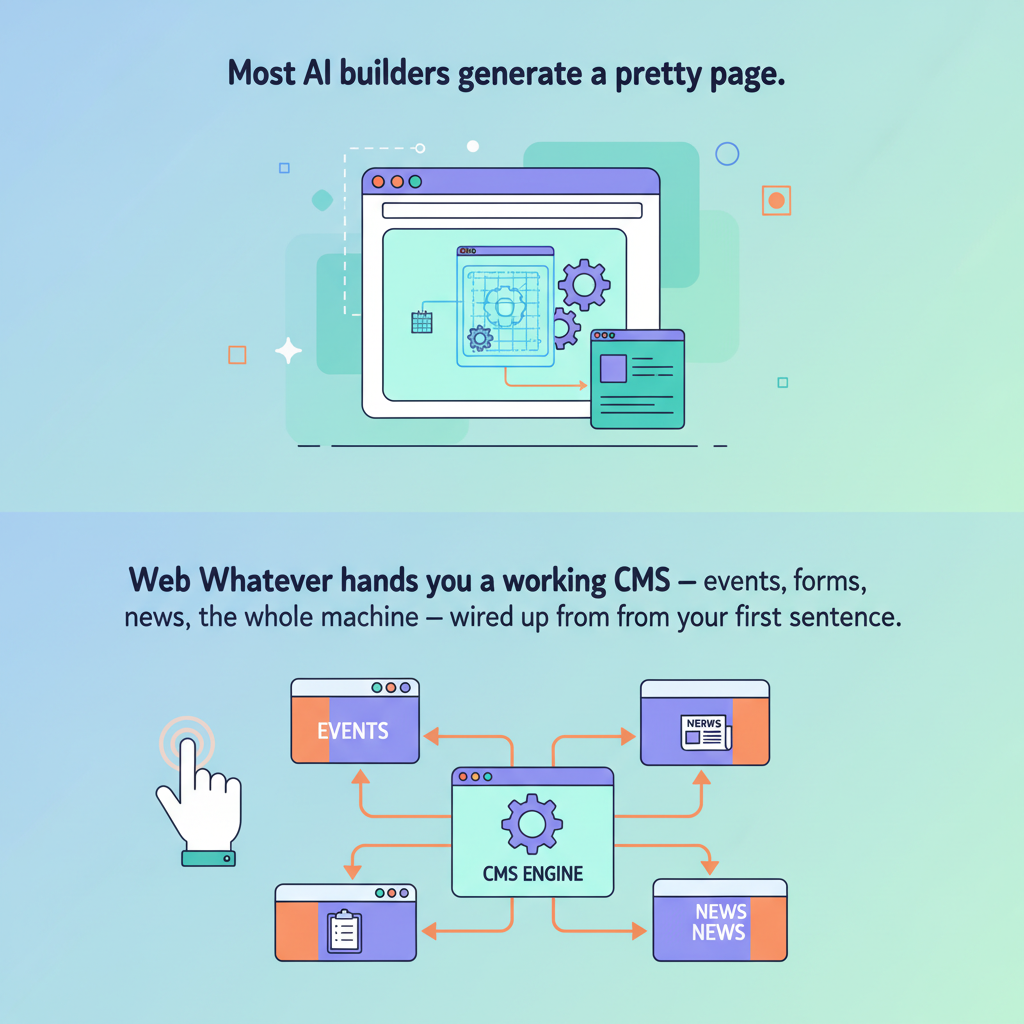
When you describe a website to Web Whatever and watch it appear, it's tempting to think the AI generated some HTML and called it done. That's what most "AI website builders" do — they hand you a glossy landing page and a vague promise that you can "edit it later." What actually arrived is something different. Underneath every site Web Whatever builds is a content management system that's been running real organizations since 2004 — events, forms, news, member directories, image libraries, all of it wired up and ready before you've written your second sentence.
The trap of the generated site
Most AI website tools have the same shape. You describe what you want. The AI generates a page or two of HTML, drops in some stock images, and presents you with something that looks great in the demo. Then you try to actually use it. You want to add an event. There's no events system — just a section on the page where the AI typed in three sample events. You want a sign-up form that emails you when someone fills it out. There's no forms system — just a styled form that does nothing. You want to publish a news post next week. There's no publishing system — you'll have to open the editor, scroll to the right section, and hope you don't break the layout. What you got was a brochure. What you needed was a website.
What gets built when you describe a site to Web Whatever
The AI doesn't invent a website out of nothing. It configures a real CMS — the same one we've been running and refining for twenty-two years — and writes pages on top of it. The first time you describe your project, here's what's already there before you've touched anything else: An events calendar that handles real-world recurrence. Not just "every Tuesday" — every other Sunday, the first Wednesday of the month, annually on March 12th, with exceptions for the weeks you cancel. Events syndicate via feeds, so a parent organization or partner site can pull yours in. They have locations, descriptions, contact info, and they show up wherever you want them to. A publications system for news, blog posts, sermons, announcements, or whatever you publish. Articles have authors, dates, subheadings, intros, full bodies, and tags. They flow into news feeds you can drop on any page. Recent articles appear automatically wherever you place them. A forms tool for everything from contact to event registration. Real forms — fields you configure, submissions that route to the right inbox, custom success messages, optional integrations. The same forms tool powers a contact-us widget and a multi-step intake questionnaire; you decide. An image library with tag-driven slideshows. Upload an image, tag it "homepage-hero," and it appears in the homepage slideshow. Tag five images "gallery-2024" and they become a gallery page. The taxonomy is yours; the plumbing is already done. A people directory. Staff, volunteers, leadership, contributors — names, photos, bios, contact info, role labels. Drop the directory on any page or filter it by role. Documents, downloadables, and audio. PDFs, sermon recordings, meeting notes, schedules. Uploaded once, linkable everywhere. Subscribers and email notifications. People can subscribe to your news. You can notify members when something important goes live. The list is yours, properly managed, opt-in and opt-out tracked. A full design system. Fonts, colors, navigation, footer, button styles, heading scales. The AI uses your design tokens when it builds — so the page it writes today already looks like your site, not a generic template.
Why this matters from day one
The difference shows up the first week. You don't discover halfway through October that your AI-built site can't actually handle the November fundraiser sign-ups. You don't realize at launch that the "blog" the AI generated is just three hardcoded posts you'll have to edit by hand forever. You don't have to migrate to a real CMS the moment you outgrow the demo. Everything you'd reach for in month six is already there in minute one. The AI just hadn't introduced you to it yet.
Chat first, but never only chat
The conversation is the front door. It's the easiest, fastest way to get a working site up — and for a lot of users, it's the only door they ever need. Describe what you want, refine by chatting, publish, done. But the management area is right there. Every list of events, every form submission, every news article, every image, every page — it's all manageable through a real admin interface. You can chat to add a new event, or you can open the events list and click New Event. You can ask the AI to draft a news post, or you can write one in the editor. You can describe a design change, or you can adjust the design tokens directly. Most AI builders treat the chat as a magic trick. We treat it as one of several good ways to get work done — the easiest one for most tasks, but never the only one available.
The point
When the AI says "your site is ready," it actually is. Not a sketch, not a demo, not a landing page that pretends to be a website. A real CMS, configured for your project, ready to handle the next two years of events, posts, sign-ups, photos, and people — whatever you throw at it. That's the part we're proudest of. The chat is fun. The platform underneath is the point.